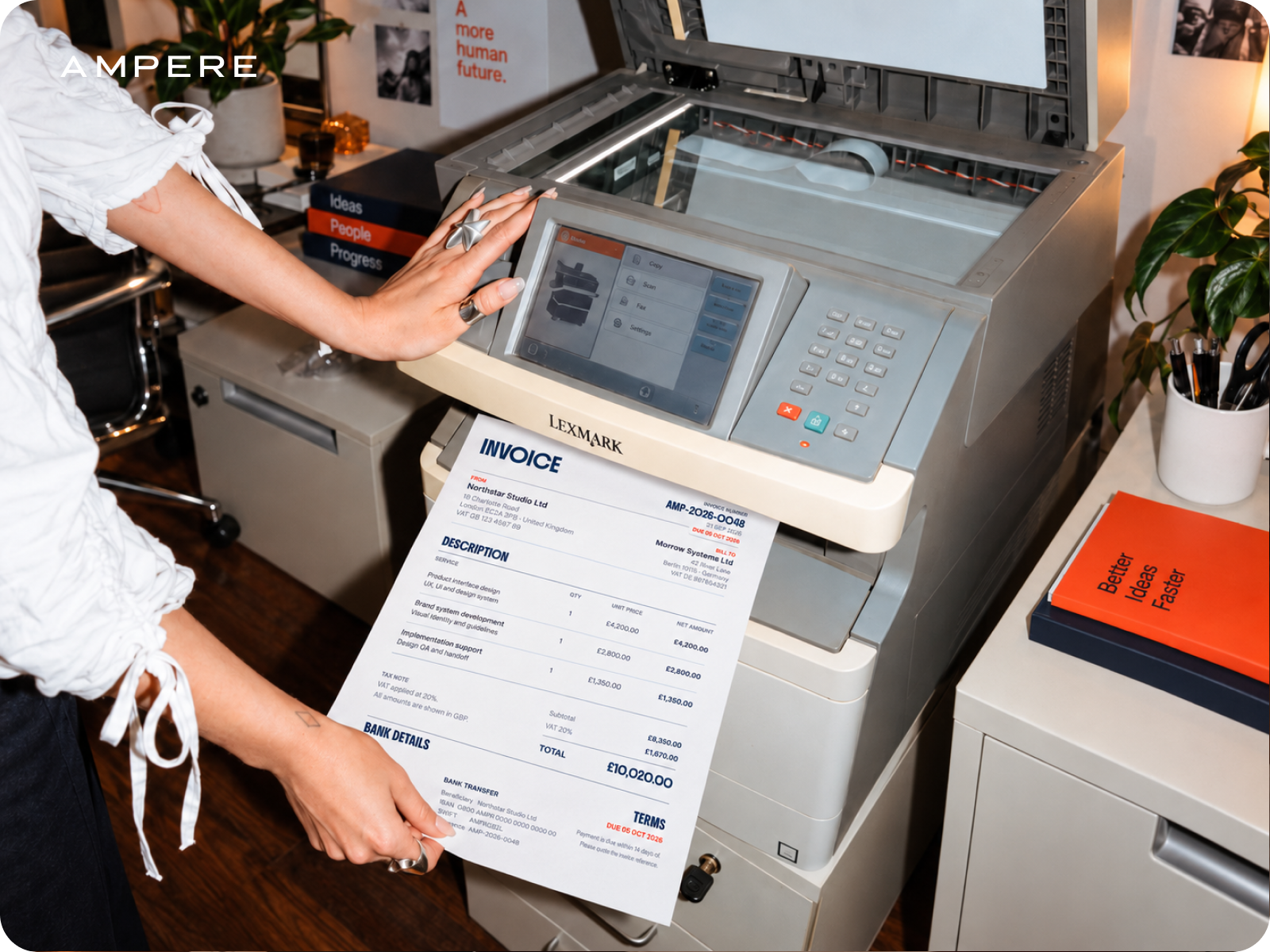
Opening a new business account takes an app, a form and a few minutes of your time.
When it’s time to switch business account providers, leaving the old one takes a bit more planning, but the plan is quite simple.
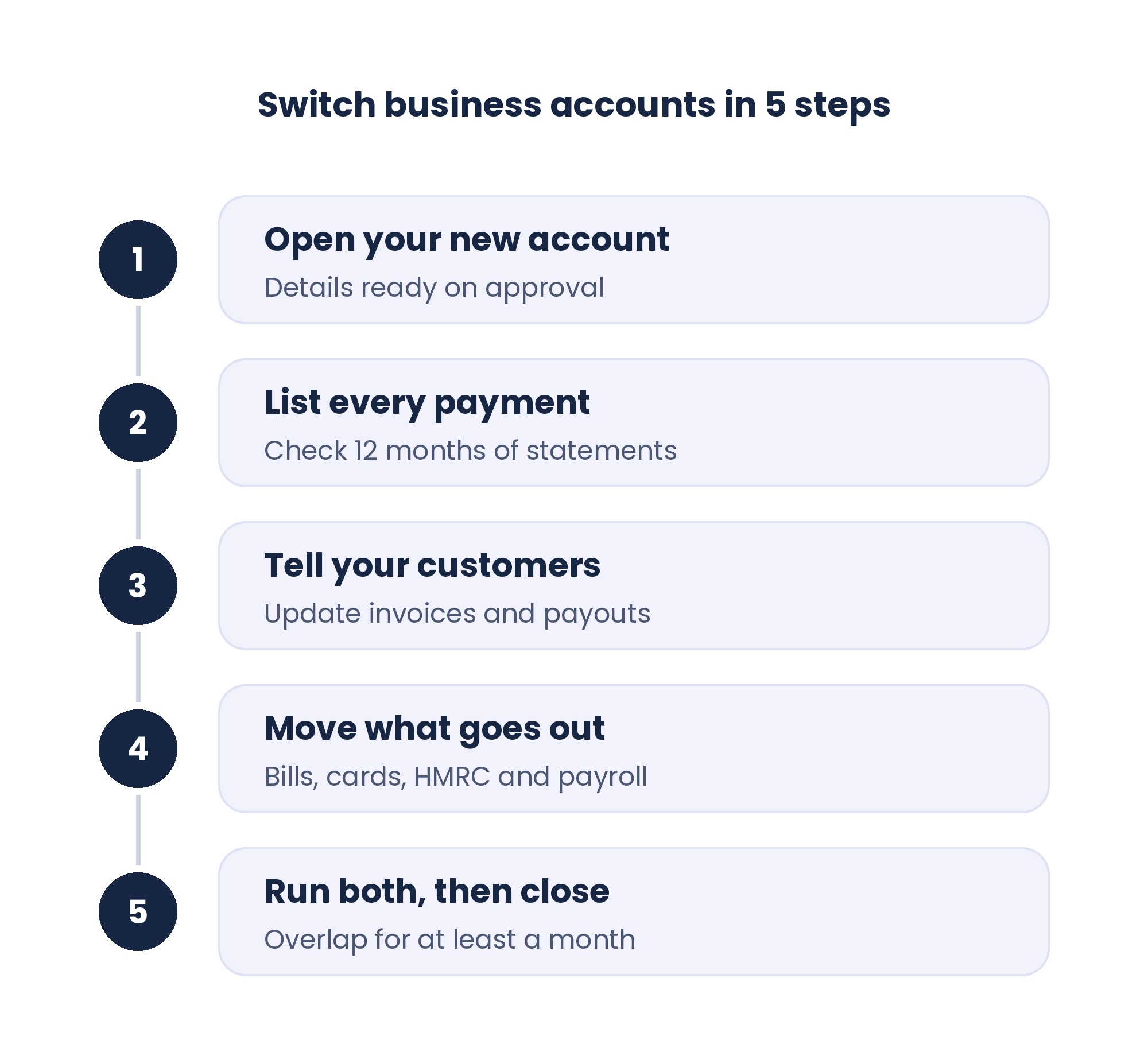
Almost everything else needs your new account details, so open it first. You can apply for an Ampere business account online or in the app.
As soon as your application is approved, your account details and full account access are ready, so you can start updating invoices and suppliers the same day. Your Mastercard follows by post, and you activate it online when it arrives.
Now download the last 12 months of statements from your old account and go through them line by line. A full year is important because some payments only come round once, like an annual software licence or an insurance premium, and a quick scan of the last three months would miss them.
You're looking for:
- Direct Debits to suppliers, software and utilities
- Standing orders, including rent
- Subscriptions paid on your old card
- Payments from customers, marketplaces and payment processors
- HMRC payments, such as VAT, PAYE and Corporation Tax
- Payroll and any regular director payments
Put everything in a spreadsheet with the date each payment goes out or comes in.
Tell your customers
Once your list is done, start with the money coming in.
If a customer pays into a closed account, that payment can take a while to come back, so update your invoice template before the next invoice goes out.
Then send your regular customers a short email from the address they already know you by.
Some will call to check it's really you before changing anything, which is exactly what you want. Fraudsters often pose as suppliers announcing new account details, so a customer who checks is looking out for both of you.
Marketplaces and payment processors are easy to miss too, because nobody emails you a reminder. Log in to each dashboard and change the payout account while it's on your mind.
Move what goes out
Direct Debits come first. Ask each supplier if you can pay by Faster Payments from your new account, set that up, and only then cancel the old mandate. A quick "did it arrive?" after the first payment saves an awkward chase later.
Rent and other standing orders are an easy DIY job. Send the next payment from your new account, then cancel the old standing order once it's been received.
Card subscriptions can move once your new card arrives and you've activated it. Move one, watch it go through, then do the rest. Until then, keep the old card active and leave enough in the old account to cover your software and other subscriptions.
HMRC and payroll
HMRC gets its own line on the list. If you pay VAT by Direct Debit, cancel it before your next return and pay that bill from your new account by Faster Payments before the deadline.
While you're in your VAT online account, update the repayment account too. A VAT repayment is a nice surprise, so make sure it lands somewhere you can reach it.
Pay your next round of salaries from your new account, and move any regular director payments at the same time.
Run both, then close
Keep the old account open for at least a full month, and longer if an annual payment is due soon. Leave some money in it to cover anything you missed, and check it every few days.
Something will probably still turn up there. Usually a customer has used the old details or a supplier still has your old mandate.
When a whole month goes by with nothing coming in or going out, you're done.
Download all your statements first, because online access to them can disappear once the account closes. Limited companies need to keep accounting records for six years from the end of the financial year they relate to. Then move the last of the balance across and close the account for good.