Employee offboarding checklist

If the exit wasn't friendly, that pause can turn into a real problem fast.
It's an ordinary Tuesday… when a resignation letter turns up on your desk.
Now there's a list of things to sort that nobody thought to write down anywhere and account access is usually one of those. It could sit there for weeks before anyone notices.
4 practical steps
1 . Start with the handover, so whoever's picking up the work knows where to begin, and work out who's taking over any client or supplier relationships. If you're doing an exit interview, get it booked in early.
2 . Check for any unpaid expense claims and give payroll enough notice for the final pay. Sort out unused holiday too, and let the pension provider know so contributions stop on the right date. If the business lent them anything along the way, get that settled as well.
3 . Confidentiality and non-compete clauses don't end just because the contract does, so it's worth a quick reminder before they leave. It's also worth deciding what the rest of the team gets told, and when, so people don't hear it secondhand.
4 . Collect the work laptop, phone, keys, ID badge, and parking passes. Turn off their email and shared logins, and take them out of group chats, shared drives, and calendars.
The access people forget about
Money is the one that a lot of times lingers somewhere, because it usually needs a specific person to log in and change it, and that person's busy doing five other things on a Friday afternoon.
Things to remember checking:
-Were they a signatory on anything, a loan, a supplier contract, anything with their name attached as an authorised party?
-Did they set up any subscriptions under their own login, or have their own access to the accounting software or invoicing platform?
The obvious IT usually gets switched off fast, but things like admin rights on the CRM, a marketing tool, or shared cloud storage, and whether any company files have synced to a personal account can slip by. Two-factor authentication and security keys tied to their phone or email are easy to miss too, and can lock everyone else out if they're not reassigned.
Same with VPN access, since that's easy to overlook once the laptop's already back.
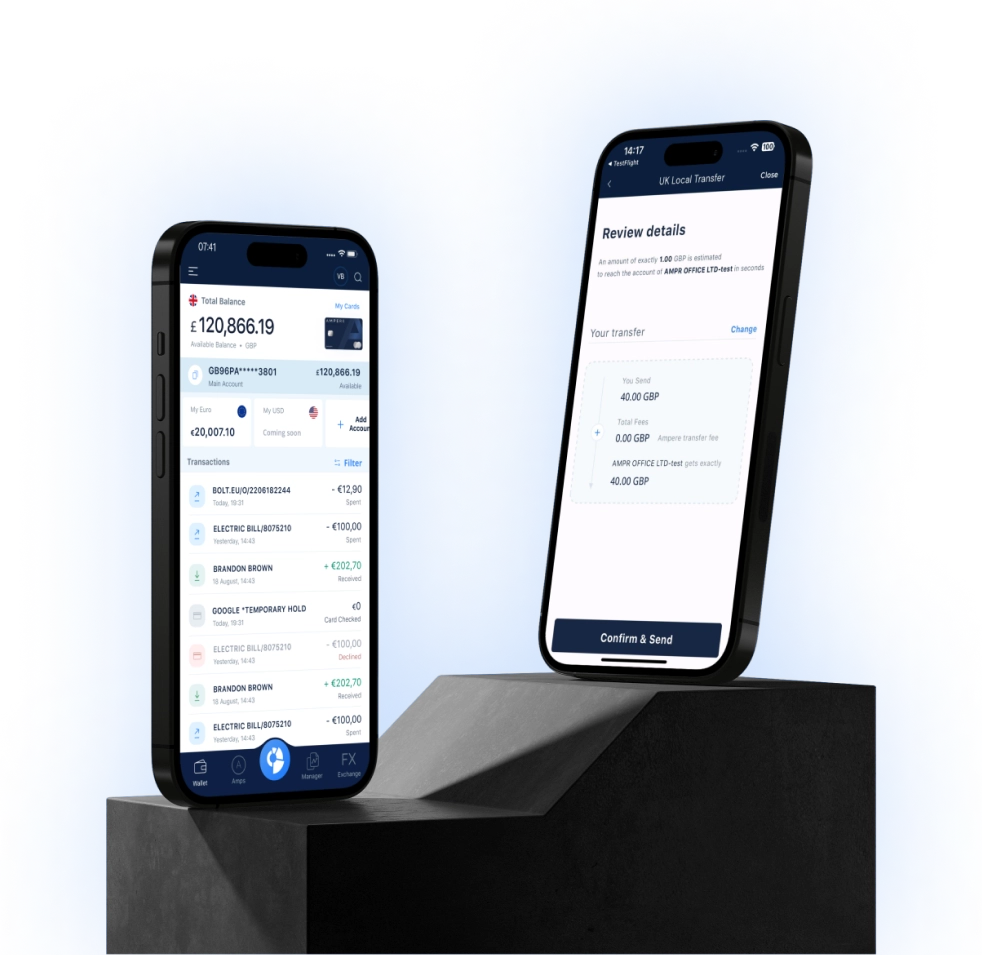
With Ampere, cutting off account access is quick. Restrict their access from your Ampere account, and pause their card from the app if they had one. See how team cards work.
Nothing else on the account changes, and nobody else's access is affected.
Whatever happens to the laptop afterward, it should get wiped properly before it goes to anyone else. Deleting a folder off the desktop isn't the same thing.
If it's not a friendly exit, move faster than usual. Cut access before or right at the conversation. Reset shared passwords centrally, don't wait for them to hand things over. And check for personal devices still holding company email or files.
A few more things tend to surface after everyone thinks it's done.
-Update anything external facing, website team pages, a forwarded email signature, and check nothing important is still landing in their old inbox.
-File the paperwork, P45, references if agreed, whatever HR needs on record, and agree in advance what the business will actually say if someone calls for a reference, so whoever answers the phone isn't guessing.
-Update the org chart so it's not still listing someone who's gone, and make sure their ongoing work has an actual owner, not just an informal understanding.
Most of this gets done without much thought.
The account access is the part worth doing first, and it helps to keep this list somewhere the whole team can find, rather than in one person's head. Next time someone leaves, half the work is already done.